How to Read Your Merchant Processing Statement (and Spot the Padding)
Your processing statement is 6 pages of codes and abbreviations, and that's not an accident. Here's how to read a merchant processing statement section by section, which fees are real, which ones are padding, and the three numbers you should check every month.

By the MTech Distributors team
You get it every month. Six pages, maybe more. Codes like "VS CPS RTL KEY," "MC MERIT III," "NQUAL." You check the total at the bottom, wince, and close it.
That's exactly what a lot of processors are counting on. A statement you can't read is a statement you won't question. So let's fix that. Here's how to read a merchant processing statement, section by section, and where the padding usually hides.
What are the main sections of a processing statement?
Every processor lays it out a little differently, but almost every statement has the same four parts:
The summary. Total card sales, total fees, and what got deposited into your account.
Deposits or batches. A day-by-day list of what you ran and what hit your bank.
Card type or interchange detail. A breakdown by Visa, Mastercard, Discover and Amex, often with long codes for each card category.
Fees or "other charges." Monthly fees, per-transaction fees, and everything else.
Start with the summary. Then go straight to the fees section. That's where most of the money is hiding.
What's the first number I should look at?
Your effective rate. Take total fees and divide by total card sales. If you paid $1,400 in fees on $45,000 in sales, that's about 3.1%.
That one number tells you more than every page after it. If it's climbing month over month and your business hasn't changed, someone changed your pricing.
What do all these fee names mean?
Here are the ones you'll see most:
Interchange. The base cost set by the card brands and paid to the bank that issued the card. This is the part nobody can negotiate away.
Assessments or network fees. Small fees charged by Visa, Mastercard and the others for using their network.
Processor markup or discount rate. What your processor adds on top. This is the padding, and it's the part you can actually do something about.
Transaction or authorization fees. A few cents every time a card is run.
Monthly, statement or account fees. Flat fees just for having the account.
PCI fee or PCI non-compliance fee. A security compliance charge. The non-compliance version is a penalty that often shows up every month until someone fills out a questionnaire.
Monthly minimum. If your fees don't hit a set amount, you pay the difference anyway.
Chargeback fee. Charged when a customer disputes a sale, on top of losing the sale itself.
Where do processors hide the padding?
Every card brand charges a base cost on every transaction. Then the processor adds their cut. That's normal. That margin is supposed to pay for the people answering your calls and helping with your chargebacks. The problem is when the padding keeps growing and the support doesn't show up.
Watch for these:
"Non-qualified" or "mid-qualified" charges. On tiered pricing, the processor decides which cards land in the expensive buckets. A lot of them do.
Rate increases buried in a notice. A line at the bottom of page 4 saying "effective next month, rates will change."
The same fee twice. A "network fee" and an "assessment" and a "brand fee" that all seem to cover the same thing.
PCI non-compliance fees that never stop. Often fixable with one form.
Annual fees. They show up once a year, which is why nobody notices.
The 3 numbers to check every month
Effective rate. Is it going up while your business stays the same?
Total fees. Compare it to last month and the same month last year.
New line items. Anything you haven't seen before deserves a phone call.
What should I do if I find padding?
Call your processor and ask them to explain every line you don't understand. If they can't, or won't, that's your answer.
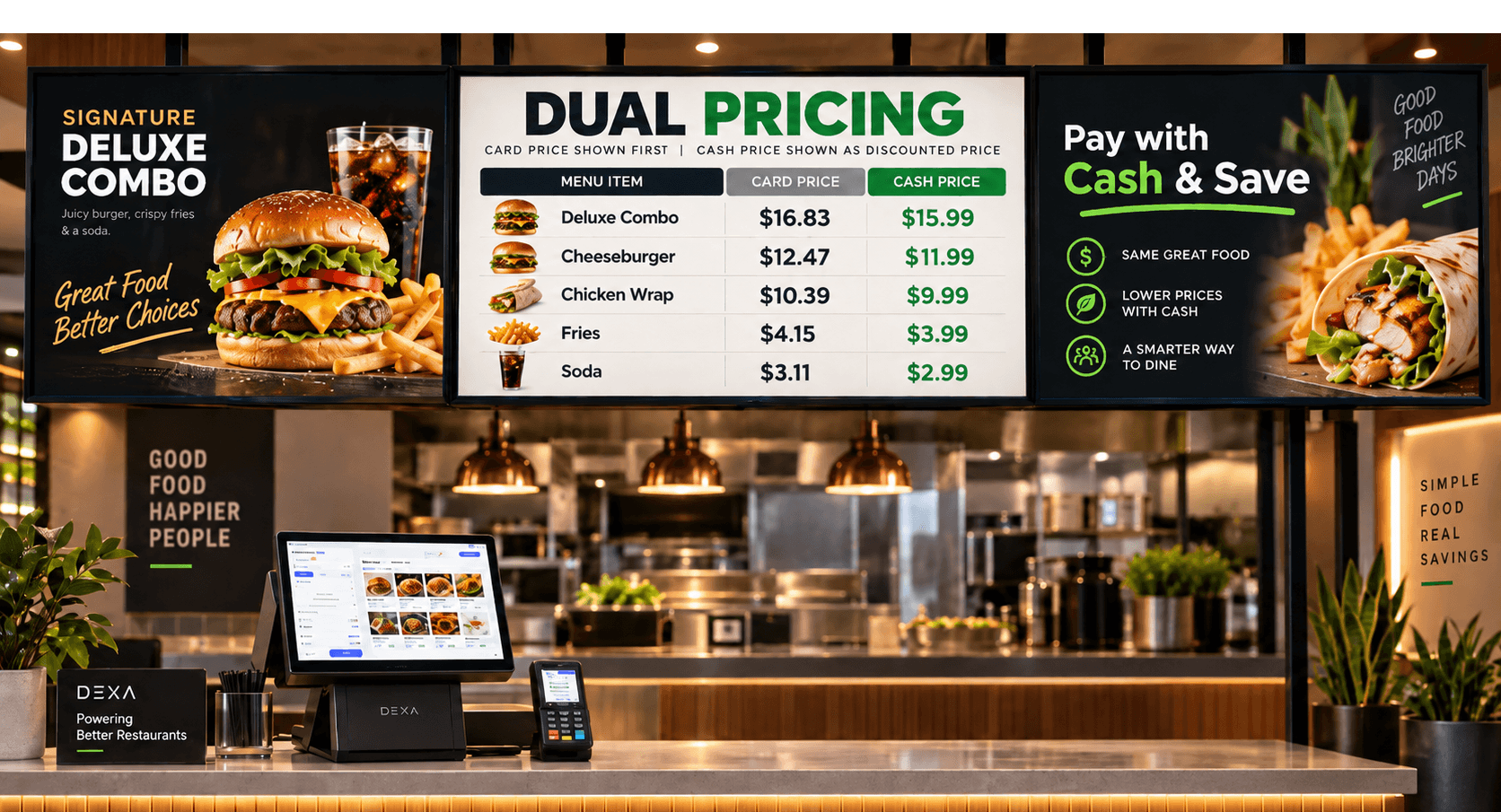
And if you're tired of fighting over basis points, look at dual pricing. With a cash price and a card price posted upfront, the card price covers the processing cost, and those six pages stop being your problem.
Quick answers
How do I read a merchant processing statement? Start with the summary to get total sales and total fees, figure out your effective rate, then go line by line through the fees section.
What is interchange on my statement? The base cost set by the card brands. It's passed through to you and isn't negotiable.
What is a PCI non-compliance fee? A monthly penalty for not completing your PCI security questionnaire. It's usually avoidable.
Why are my fees different every month? Your card mix, ticket sizes and volume change every month. Rising fees on steady sales can also mean a rate increase.
Find out what you're really paying
Still can't make sense of it? Totally normal. We'll read it with you, line by line, and show you exactly where your money is going.
Send us one recent statement. We'll show you your real rate, where the padding is, and exactly what you'd keep with dual pricing. No contract, no cancellation fee, and a real person on the phone.
Call 888-411-7583 or get your free savings quote.
MTech Distributors has helped 5,000+ businesses across all 50 states since 2017.