MTech Distributors
RegisterDashboardSign InDashboard
VIRTUAL TERMINAL

Take a card payment
without a terminal.

Accept phone, mail, email and back-office payments securely from any browser. No hardware to buy or software to install—just the same MTech account, deposits and reporting you use at the counter.
Get my free statement analysisHow dual pricing works
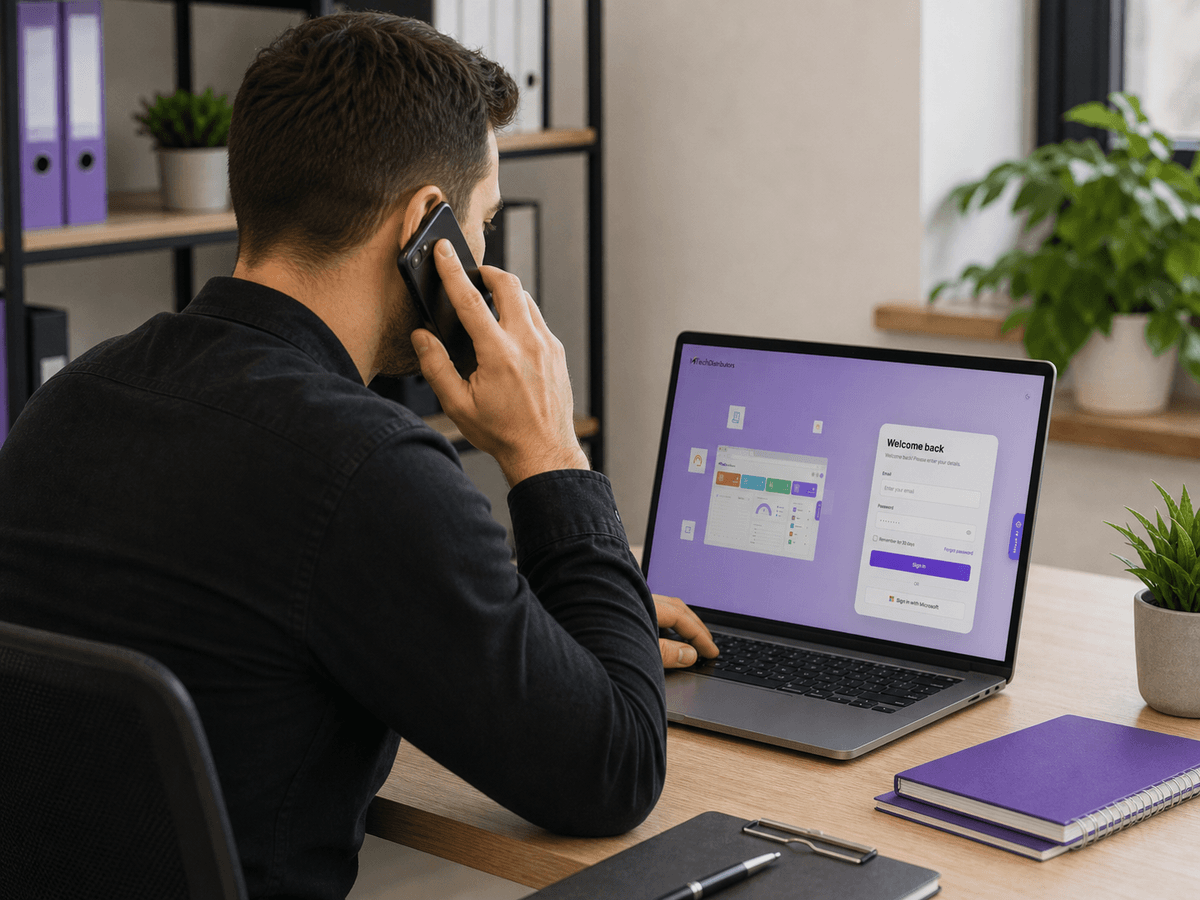
MTech merchant accepting a phone order through the browser-based virtual terminal
Back officeKey-in, invoices, refunds, reporting

$0

EXTRA HARDWARE

PCI

COMPLIANT ENTRY

24-48 hrs

TO APPROVAL

WHY A VIRTUAL TERMINAL

Built for orders that arrive
by phone, email or mail.

When the customer isn’t in front of you, log in from any browser and enter the payment securely—without buying or installing another device.
Key in from any browser

Log in, type the card details, take the payment. Desktop, laptop or tablet, nothing to install.

No extra hardware

Nothing to buy, install or repair. A browser and an internet connection is the whole setup.

Dual pricing built in

Run the same cash and card pricing on keyed orders that you run at the counter, where your state allows it.

One account, one statement

Keyed orders settle alongside your counter and online volume, on the same deposit schedule.

Invoices and recurring billing

Email a payment link, issue an invoice, or set a card to bill on a schedule without re-keying it.

AVS and CVV screening

Address Verification and CVV checks help screen keyed transactions, while tokenization supports safer repeat billing.
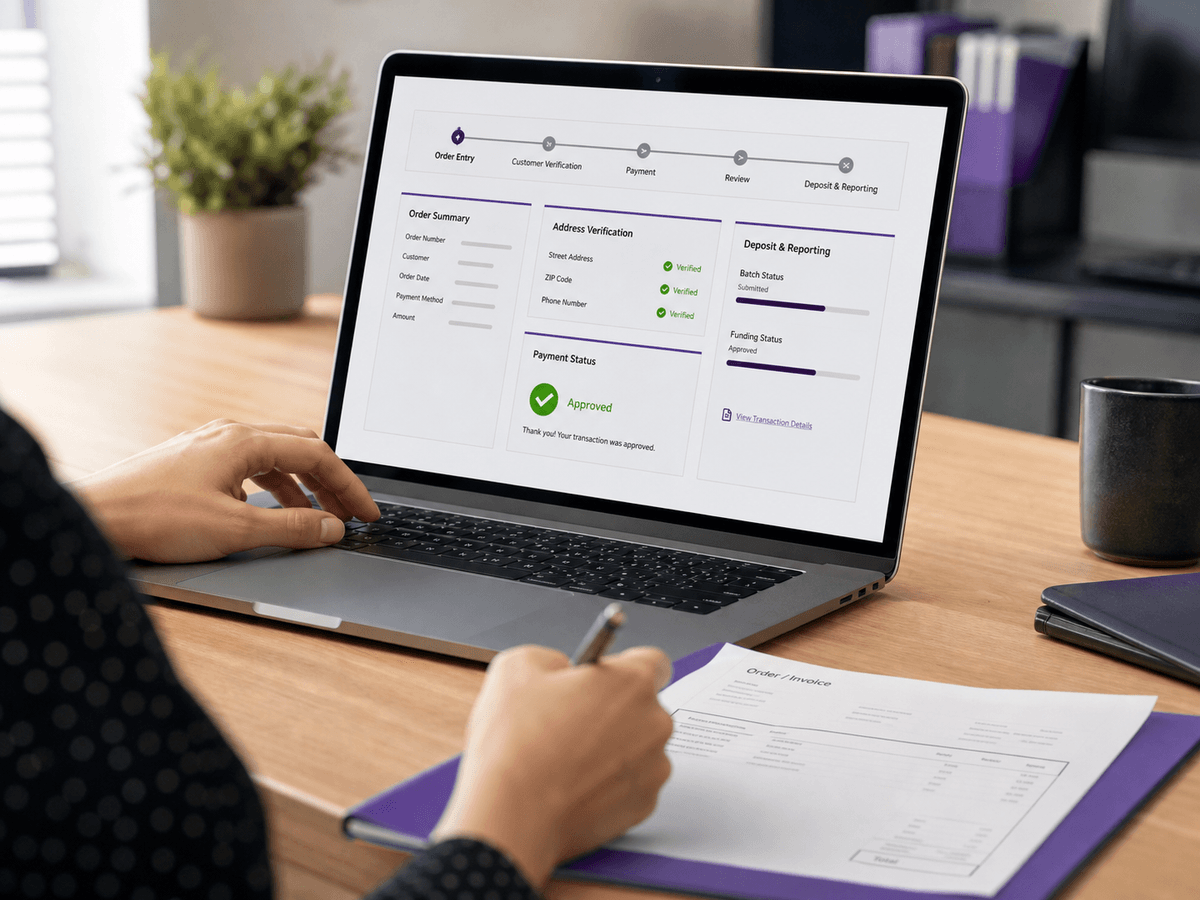
MTech virtual terminal workflow showing order entry, verification, approval and deposit reporting
One flow from order entry to deposit.
HOW IT WORKS

From phone call
to deposit.

The same four steps every time, whether the order came in on the phone this morning or by email overnight.

01 · Take the order

The customer calls, emails or faxes. You open the virtual terminal in a browser tab.

02 · Key in the card

Card number, expiry, CVV and billing ZIP go into a secure form. Nothing is stored on your machine.

03 · Screen and approve

Address Verification and CVV checks run before the charge is approved, so bad card-not-present orders get caught early.

04 · Funds are deposited

The transaction batches with the rest of your volume and settles on your normal schedule.
BEST FIT

Built for businesses that take
payments remotely.

Ideal for teams that accept orders, deposits or invoice payments before the customer is standing in front of them.

Wholesale and B2B

Professional services

Repair and trade shops

Delivery and catering

Medical and dental offices

Deposits and prepayments

Simple to run

Card details, billing ZIP, done. Staff can be trained on it in a morning.

Switched on fast

MTech enables it on your account and walks your team through the first transactions.

Runs on your existing MTech account

Staff training and setup guidance included

No hardware to order or wait for

Ongoing support from real technicians

STOP OVERPAYING. START SAVING.

Ready to see what you'd save
on every transaction?

Send us a recent statement. We'll show you what your rates, hardware and support look like on our platform — in store, online and on the go.
Get my free quote(888) 411-7583