


Your menu, lobby wall, or shop window,
on the TV you already have.
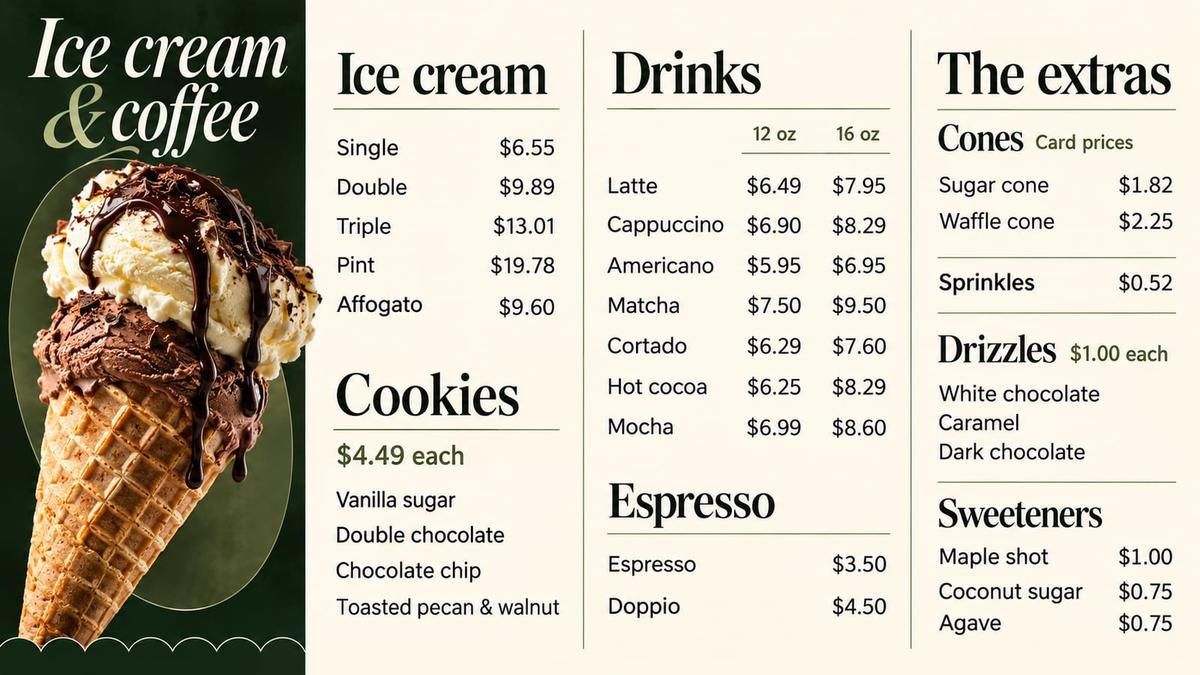
Put MSign on the screen behind the counter and change it from your phone. New prices, today's special, the thing you just ran out of. No new hardware.
Works on Samsung and LG smart TVs, Fire TV, Android TV boxes and streaming sticks. Cancel anytime.
$19/mo
Starting price
10 min
TV setup
Works offline
If wifi drops
Change what is on screen
without leaving the counter.
Edit from your phone, play it on the TV you already own, and keep it on screen even when the wifi drops.
Set the times once.
Nobody touches the TV again.
Schedule content by time of day (breakfast, lunch, happy hour, late night) and MSign switches automatically.
Not only menus.
Any room with a TV.
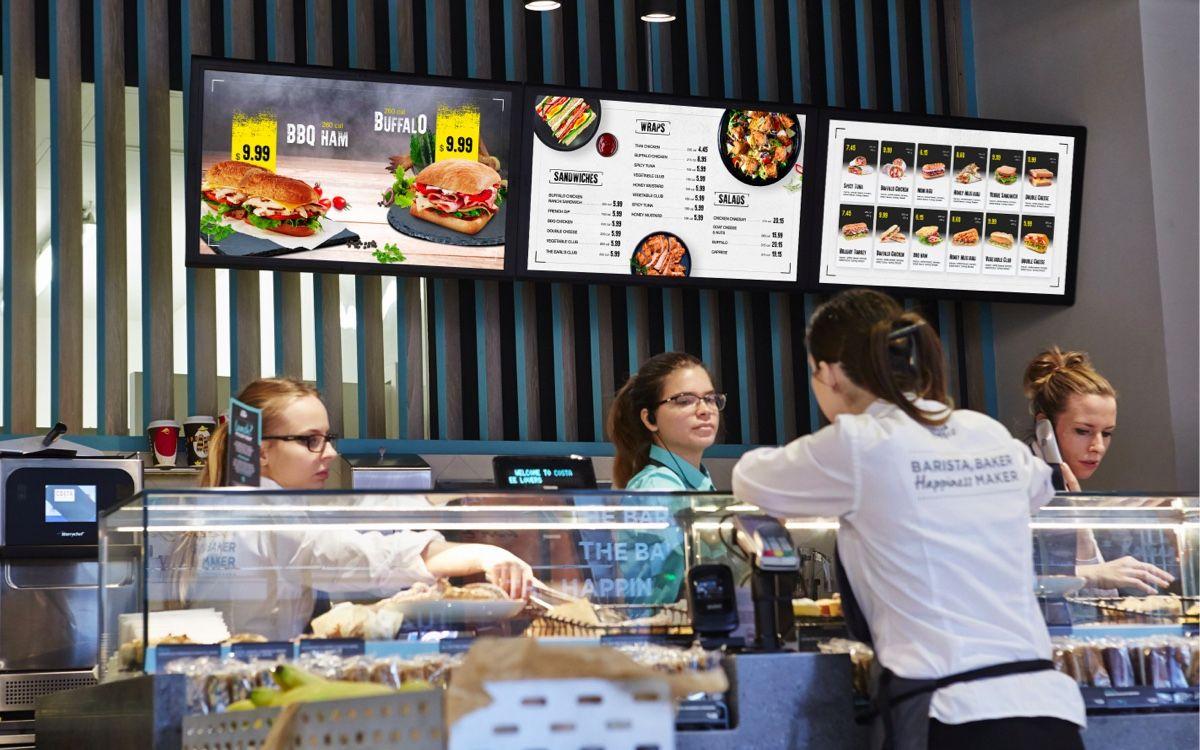
Menu boards are where most screens start, but MSign works in any room with a TV: lobbies, shop windows, hallways and waiting rooms.
Restaurants & Cafes
Offices
Retail
Schools & Universities
Hospitals & Medical Offices
On the TV
in ten minutes.
No installer, no cables beyond the plug. The TV shows a code, your phone claims it, and the screen is yours.
Open MSign on the TV
Install the MSign app on an Android TV box or stick, or open the player in the TV's web browser. The screen shows a 4-digit code.Add a TV
Sign in on your phone, go to TVs, tap Add TV and enter the code.Choose what it plays
A playlist, a photo, a video or a web page. It's on screen in seconds.Pick a plan.
Change it or cancel anytime.
Every plan is billed monthly with no contract. Start with one TV and add screens as you need them.
Starter
One screen, up and running today.
- 1 TV included
- Add up to 2 more TVs at $15/mo each
- 1 location
- 3 team members
- 5 GB storage
Pro
Every screen in your business, managed from one place.
- 5 TVs included
- Add up to 20 more TVs at $10/mo each
- 5 locations
- 10 team members
- 50 GB storage
Business
For chains and multi-location operators.
- 20 TVs included
- More TVs at $10/mo each
- 5 team members
- 250 GB storage
Billed monthly. No contract. Running many locations? Contact us about a rollout.
Frequently asked questions.
No questions match your search. Try a different term or category.
MSign is digital signage software from MTech Distributors. It turns the TV you already have into a menu board, lobby screen or shop window sign that you change from your phone. No new hardware.
Samsung and LG smart TVs, Fire TV, Android TV boxes and streaming sticks. If the screen can open a web page, it can run MSign.
Yes. Edit the menu from your phone, press Publish, and the TV updates in seconds, whether you're at the register or at home. You can also schedule breakfast, lunch, happy hour and late-night content so it switches automatically.
The screen keeps playing. It holds on to the last thing you published and catches up when the connection comes back.
Starter is $19/month with 1 TV included, Pro is $49/month with 5 TVs included, and Business is $199/month with 20 TVs included. Plans are billed monthly with no contract, and you can cancel anytime.
Pick a plan at msigntv.com, then open MSign on your TV to get a 4-digit code. Sign in on your phone, tap Add TV and enter the code. Questions? Email support@mtechdistributors.com.
Put something new on the TV tonight.
MSign is made in New York and runs on TVs across the United States.